H-Studio
Start a project
Mittelstand · Modernisation

Modernise legacy systems without a full rewrite

Established German companies don't need a Silicon-Valley-style ground-up rebuild — they need a phased modernisation that keeps the business running. We replace load-bearing parts of legacy stacks while operations stay live.

8–20 yrs
of legacy modernised
0
production freezes
Phased
migration, no big-bang
Engagement formats

What we build

Modernisation work usually starts with one of these four engagements:

  1. 01Architecture auditIndependent read on the existing system. We document what's there, name the risks (scalability, security, hiring, vendor lock-in), and deliver a sequenced modernisation roadmap. Typically 2–4 weeks.
  2. 02Phased system replacementStrangler-fig migration: the legacy system keeps running while we build the new one beside it. We move traffic over module by module — billing first, then operations, then reporting — without a production freeze.
  3. 03Internal platform rebuildInternal dashboards, admin tools and operator surfaces that your team uses every day. Often the highest-ROI work because productivity gains compound.
  4. 04Cloud migration with a planOut of an on-premise data centre or off a single-vendor cloud. We define target architecture, dependency mapping, cost model, migration waves and a cut-over plan you can present to leadership before we start.
Audience

Who this is for

We're a fit when:

  • 01Your software was built 8–20 years ago and now slows the team down
  • 02You can't hire enough senior engineers locally to do this in-house in time
  • 03A full rewrite has been considered — and rejected — because the risk is too high
  • 04Operational data integrity matters: customers, contracts, financial records
  • 05You report to leadership that wants milestones, budgets and a phased plan, not 'we'll see'

Not a fit if you're greenfield with no existing system, or if leadership has already committed to a full rip-and-replace under fixed timeline.

Outcomes

What you walk away with

  1. 01A documented modernisation plan you can defend to a board or owner
  2. 02A working migration that runs in parallel with the legacy system
  3. 03Reduced reliance on individual engineers who hold tribal knowledge
  4. 04Operational continuity through every migration phase — no freeze, no big-bang launch
Related services

Related services

What we've seen

Where legacy modernisation projects fail

We've sat through enough modernisations to know which decisions burn the budget and lose the board's trust. These are the five patterns we see most often.

  1. 01Big-bang rewritesNothing ever ships. The budget runs out before reaching feature parity with the old system — the project is killed before its successor goes live.
  2. 02No domain separation in the legacy systemMigration stalls because every module touches every other. What was planned as 'an isolated cut' drags half the system with it.
  3. 03Hidden dependenciesAn 'isolated' module turns out to be called by three batch jobs nobody documented. It surfaces only at first cut-over — in production.
  4. 04Data migration underestimatedIntegrity issues appear only after cut-over. What ran cleanly on a test dataset collides with twelve years of accumulated real-world data.
  5. 05No rollback pathCut-over becomes a one-way bet leadership can't sign off on. Instead of modernisation, you get an indefinite delay — or, worse, an emergency rollback with no plan.
How phased modernisation works

From a system map to the legacy decommissioned

Four phases, predictable cadence, nothing happens behind closed doors. You see weekly progress — and you can stop any phase without affecting production.

  1. 01 · 2–4 weeks

    System mapping & boundaries

    We document what's there, identify domain boundaries, and name the risks — before writing code or asking leadership to commit budget.

  2. 02 · 4–8 weeks

    Parallel build

    New modules grow beside the legacy system. Nothing in production changes yet — you can review the work at any point with zero risk to operations.

  3. 03 · 4–12 weeks

    Traffic shifting

    Module by module, feature flag by feature flag, the new system takes load. Rollback stays one switch away at every step — cut-over is not a risk, it's a setting.

  4. 04 · 2–4 weeks

    Decommissioning

    Once new modules carry 100%, legacy paths are removed and runbooks handed to your team. Maintenance contracts with us are explicitly optional.

What we actually did

Four modernisations, four real starting points

These aren't logos on a wall. Each row is one engagement: what was broken when we walked in, what we changed, and what shipped.

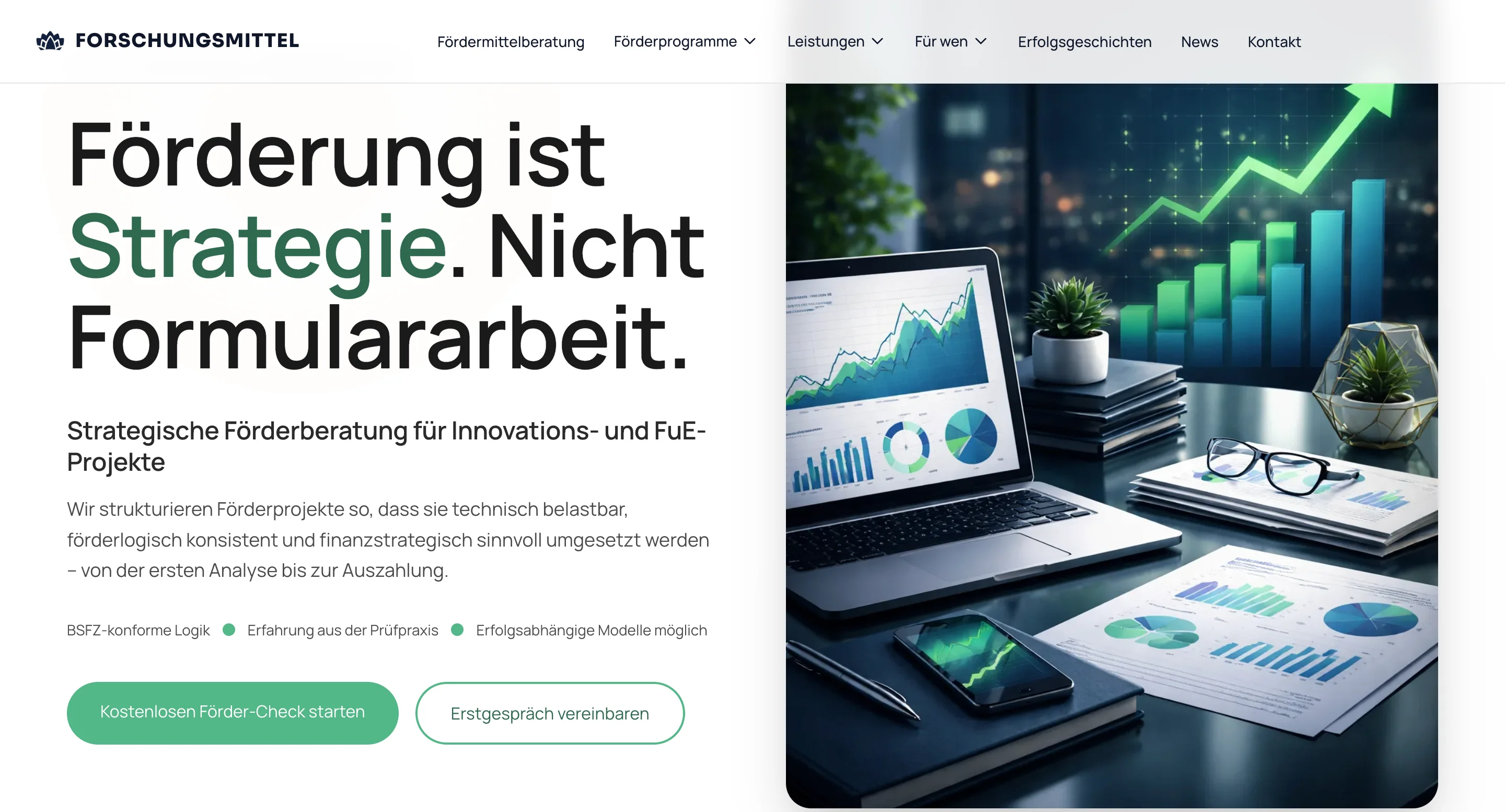
Forschungsmittel.comDigital Experience & Brand Systems

Forschungsmittel.com

  • Starting point

    Research-grant workflow on a brittle legacy app — every new application field made the team slower.

  • What we did

    Phased replacement of the operator surface while the data layer stayed in place. No data migration before the UI stabilised.

  • Result

    Team unblocked without a freeze. Application processing runs on the new surface; back-end migration is a separate, plannable step.

Read full case
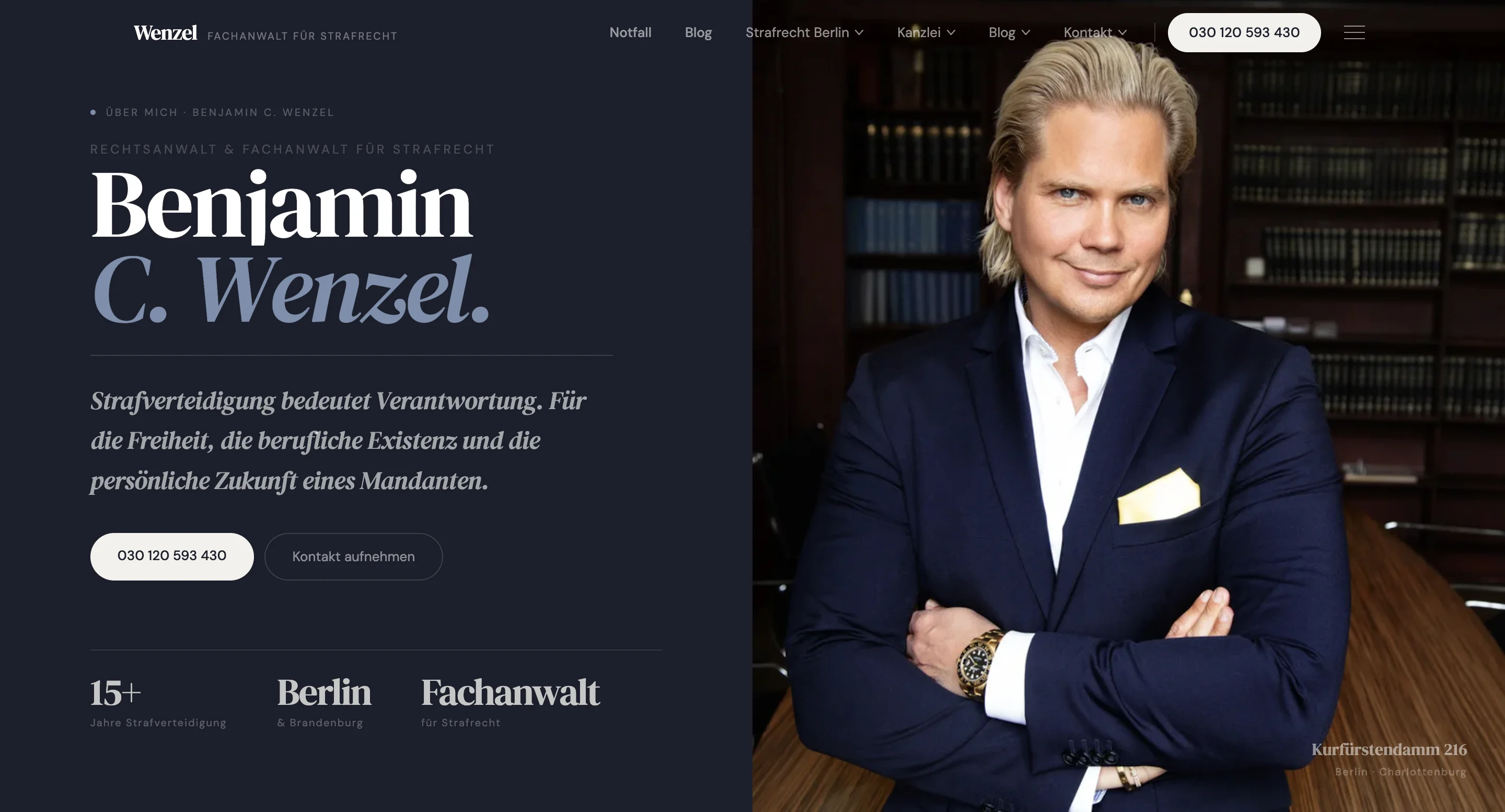
Benjamin C. Wenzel - Legal-Tech Criminal Defense PlatformDigital Experience & Brand Systems

Benjamin C. Wenzel - Legal-Tech Criminal Defense Platform

  • Starting point

    Precision-measurement product line on an aging stack — the measurement engine cannot be touched, but the customer-facing layer blocks every release.

  • What we did

    Modernised the customer-facing layer while the measurement engine was preserved untouched. Clear contract drawn between measurement and application planes.

  • Result

    Faster release cadence on the customer side, no regression on the precision side. Both planes can now plan independently.

Read full case
EventStripeEnterprise-Grade Foundations

EventStripe

  • Starting point

    Event-management platform with growing tenant numbers — old architecture couldn't onboard new customers without degrading existing ones.

  • What we did

    Re-architected the multi-tenant boundary, moved hot paths to a new service, kept old code for cold paths — gradual replacement, not a rip-out.

  • Result

    Scaled to new customers without a re-platforming project. Existing customers saw no impact because the cut-over ran behind feature flags.

Read full case
Vulken FMEnterprise-Grade Foundations

Vulken FM

  • Starting point

    Facility-management software locked into a legacy desktop flow — operators could only work on-site, mobile use wasn't possible.

  • What we did

    Built a web operator surface beside the legacy core, shifted traffic module by module, verified data integrity at each step.

  • Result

    Operators on the new system — no production freeze during the cut-over. The legacy desktop flow is decommissioned without a missing day.

Read full case
Modernisation reference

How phased modernisation actually works

The decisions we expect to discuss with your team and your leadership — and the questions a board will ask before sign-off.

01

Strangler-fig pattern

The new system grows beside the old. The old shrinks. Both run in parallel until functional parity is reached — there is no single cut-over.

  • Routing layer decides per request: old or new
  • Module migration is a config change, not a release
  • Rollback is a switch, not an emergency
02

Microservices vs modular monolith

When splitting helps — and when it just adds operational cost for a 30-person team. For most Mittelstand companies, the modular monolith is the right answer.

  • Microservices only when scaling or team topology forces it
  • Modular monolith keeps most problems small and tractable
  • Bounded contexts drawn before code is written — regardless of style
03

Data migration strategies

Dual-write, ETL or change-data-capture — each trades complexity for safety. Which one fits depends on your cut-over window and your tolerance for inconsistency.

  • Dual-write: highest consistency, highest code complexity
  • ETL: simplest implementation, but downtime or consistency gaps
  • CDC: minimal app change, but operational streaming infrastructure
04

Cloud migration risks

Lift-and-shift hides cost and latency surprises that show only after go-live. What you refactor first determines the next five years of TCO.

  • Hot paths refactored before they run on a paid compute tier
  • Data egress modelled before service boundaries are moved
  • An exit path from the chosen cloud provider defined on day one
05

OT / IT bridges

When production-floor systems and IT systems must talk — without coupling release cycles. No OT system should depend on the IT release cadence.

  • Asynchronous interfaces, no direct calls into OT controllers
  • Versioned contracts that decouple OT and IT releases
  • Fail-safe behaviour on the OT side during IT outage is a requirement, not a bonus
06

Operational continuity

Feature flags, traffic shifting, rollback paths, parity testing — what 'no production freeze' actually requires. These four are non-negotiable.

  • Feature flags per module, not per release
  • Parity tests that compare old and new on the same inputs
  • A runbook for every cut-over step, reviewed by your ops team
FAQ

What CTOs and managing directors ask before a modernisation

If your question isn't here, it's almost certainly the first thing we'll discuss in a 30-minute call.

Different situation? We answer the actual question, not the brochure version.

Ask directly
  1. Yes — that's the explicit constraint we plan around. Strangler-fig means the legacy system keeps running while the new one grows beside it. Cut-over happens module by module via feature flags. There is no big-bang and no production freeze. If a step misbehaves, the routing layer falls back — seconds, not hours.

  2. From the architecture audit to legacy decommissioning: typically 9–18 months, depending on scope and how many modules can migrate in parallel. The architecture audit alone takes 2–4 weeks and is the basis for any defensible timeline. Quoting before that is irresponsible.

  3. No — and that's the point. Strangler-fig only replaces modules where replacement makes economic sense. Stable, working cores (measurement engines, booking engines, regulator-validated components) are often kept. We almost never recommend full rewrites — the risks rarely justify it.

  4. Data migration is its own workstream, not a side effect of module migration. We use dual-write or change-data-capture, depending on your tolerance for downtime. Before every cut-over, parity tests compare old and new on the same inputs. The new system takes load only after parity is confirmed.

  5. We hunt them in the architecture audit: static code analysis, production trace logs, interviews with the engineers who built the system. What can't be found statically, we catch with a routing layer that initially calls both systems in parallel — hidden dependencies surface before the legacy is decommissioned.

  6. We work with them. Our job is to make your team stronger — not dependent. We hand off responsibility step by step, document explicitly for internal takeover, and write runbooks that your engineers run, not us. By the end of the modernisation, the system runs on your on-call rotation, not on a maintenance contract with us.